Every material.
Every project.
Exactly right.
Free calculators for concrete, gravel, mulch, paint, tile, flooring and drywall. Enter your measurements and get a clear material estimate in seconds.

Find the right calculator
Visual tool library — pick a material, enter dimensions, get your estimate.
Start with the room's length and width in feet, multiply them for square footage, then pick the calculator for your material — concrete divides cubic feet by 27 for cubic yards, paint divides wall area by about 350 square feet per gallon, and tile adds 10% waste. Every tool works in US and metric units, free, with no sign-up.
 Most popular
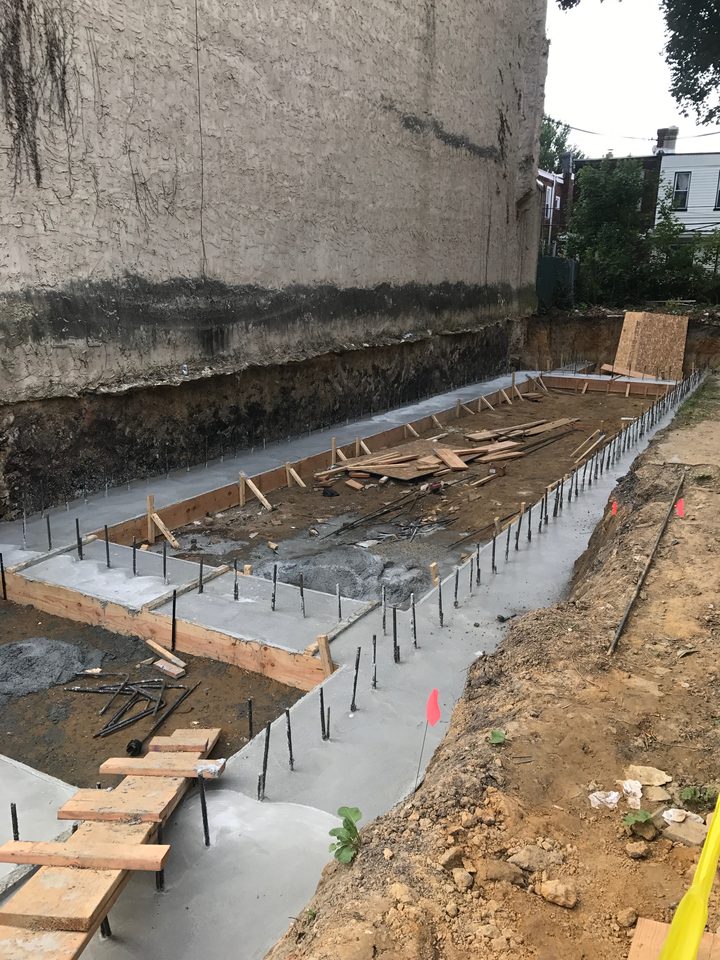
Concrete Calculator
Volume in yards, bags and cost for slabs, patios and footings.
Open calculator → Measure
Square Footage Calculator
Room area in ft², m² and yd² from simple dimensions.
Open calculator → Outdoor
Gravel Calculator
Aggregate volume and tonnage for paths and driveways.
Open calculator → Outdoor
Mulch Calculator
Mulch volume, coverage and bag count for garden beds.
Open calculator → Interior
Paint Calculator
Gallons needed for walls, ceilings and multiple coats.
Open calculator → Flooring
Tile & Flooring Calculator
Tiles, planks and boxes with waste allowance built in.
Open calculator →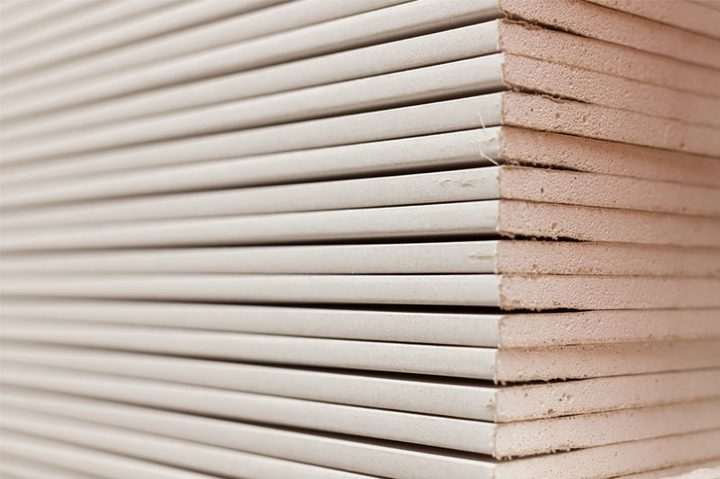 Walls
Drywall Calculator
Sheet counts for walls and ceilings, minus openings.
Open calculator → Tools
Unit Conversion Tools
Convert feet, meters, inches, yards and more instantly.
Open calculator →See the measurements.
Understand the result.
Every calculator pairs clear inputs with a live technical diagram, a full result breakdown and practical ordering notes — no guesswork, no black box.
Try the Concrete CalculatorHelpful guides
Understand the measurements behind your estimates.
How to measure a room
Which dimensions to record before calculating area or materials.
Read guide → Material planningUnderstanding waste allowance
Why cuts, layout and site conditions change your quantities.
Read guide → Units explainedCubic feet vs. cubic yards
A simple explanation of the volume units in your estimates.
Read guide →Frequently asked questions
Are these calculators really free?
Yes — all 8 calculators are completely free, with no sign-up, no ads and no limits. Your numbers never leave your browser.
How accurate are the estimates?
Estimates use standard industry formulas and include adjustable waste allowances. Always confirm final quantities with your supplier before ordering.
Can I switch between feet and meters?
Yes. Each calculator has a US / metric toggle that converts your inputs and results instantly.
Do you store my measurements?
No. Everything is calculated locally in your browser — nothing is sent to a server or stored.
Which calculator should I start with for a room renovation?
Start by measuring the room with the room size calculator — length × width gives the square footage every other estimate needs. Then use the paint calculator for walls and the tile & flooring calculator for floors. Measuring once, in feet, keeps every later number consistent.
What measurements do I need before using a calculator?
For most tools you need length and width, plus height for walls or depth for concrete and gravel — all in feet. Measure wall to wall at floor level, note doors and windows for wall tools, and check the measuring guide for exactly what to record before you start.